
 MULTIPLAYER ARENA
THE BROWSER GAME LAUNCHPAD
Radiant Optimizer Games
Less scrolling.
More playing.
Choose an arena, a Black Mesa demo or a trip to Tristram. Launch the supported browser projects in one place, with the steps you need right beside the game.
FEATURED SESSION01 / 03
LIVE MULTIPLAYER
Back in the arena.
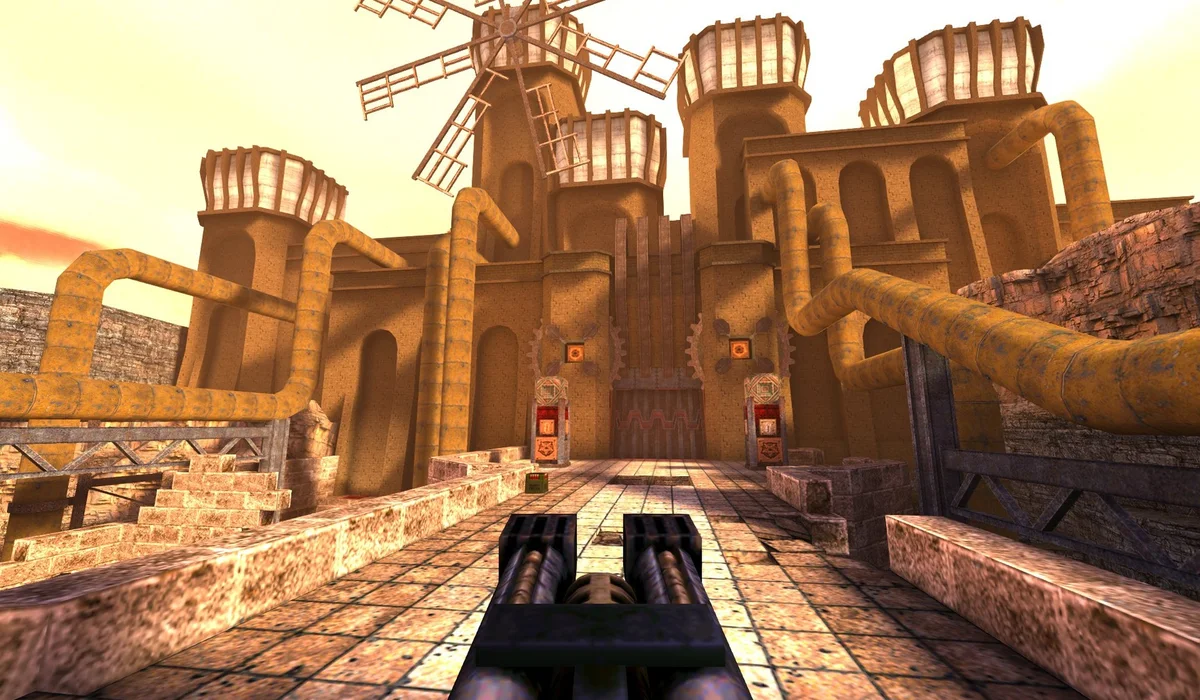
QuakeWorld · Browser player
↗PICK YOUR SESSION
Three classics. Ready to launch.
No matching launchers. Try All games or save a game to your shelf.
YOUR NEXT VISIT
A shelf of your own.
Save a launcher with + and find it here next time. Your shelf stays in this browser; it does not store game progress.
Saved launchers 0
Your shelf is empty. Save a game above to keep it close.
Recently launched
Open a player and launch a game to start your list.
MORE FROM THE THREAD
Some projects need their own tab.
Original project
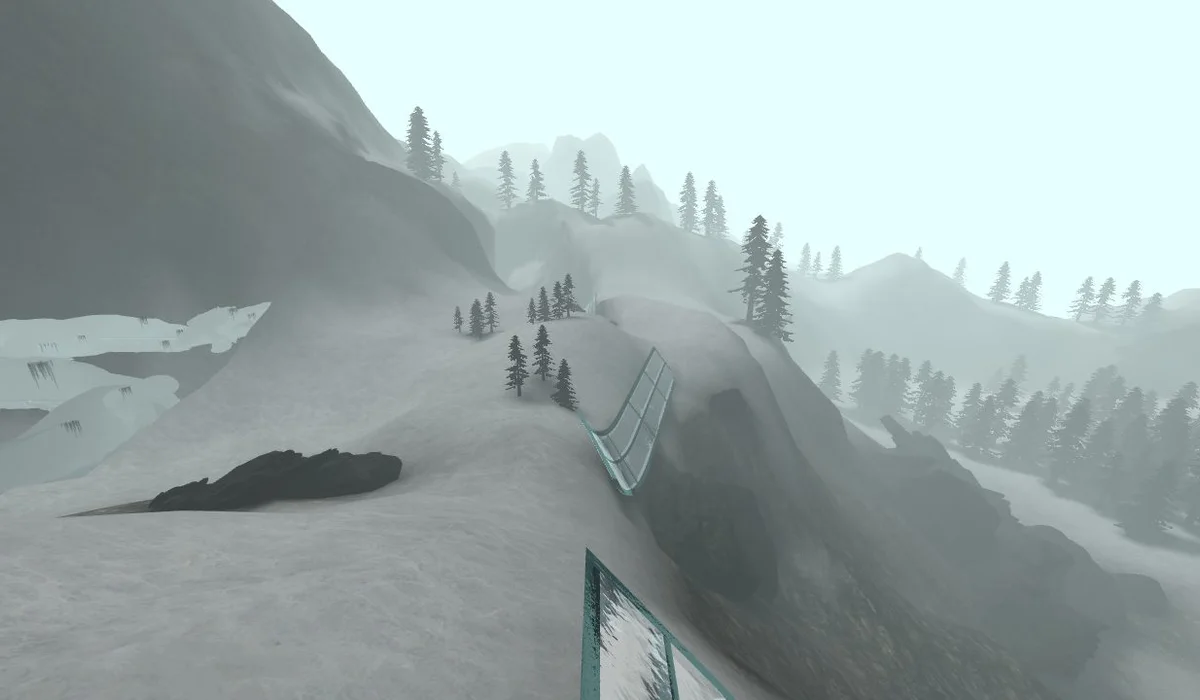
CS Surf
Movement and ramps
Original project
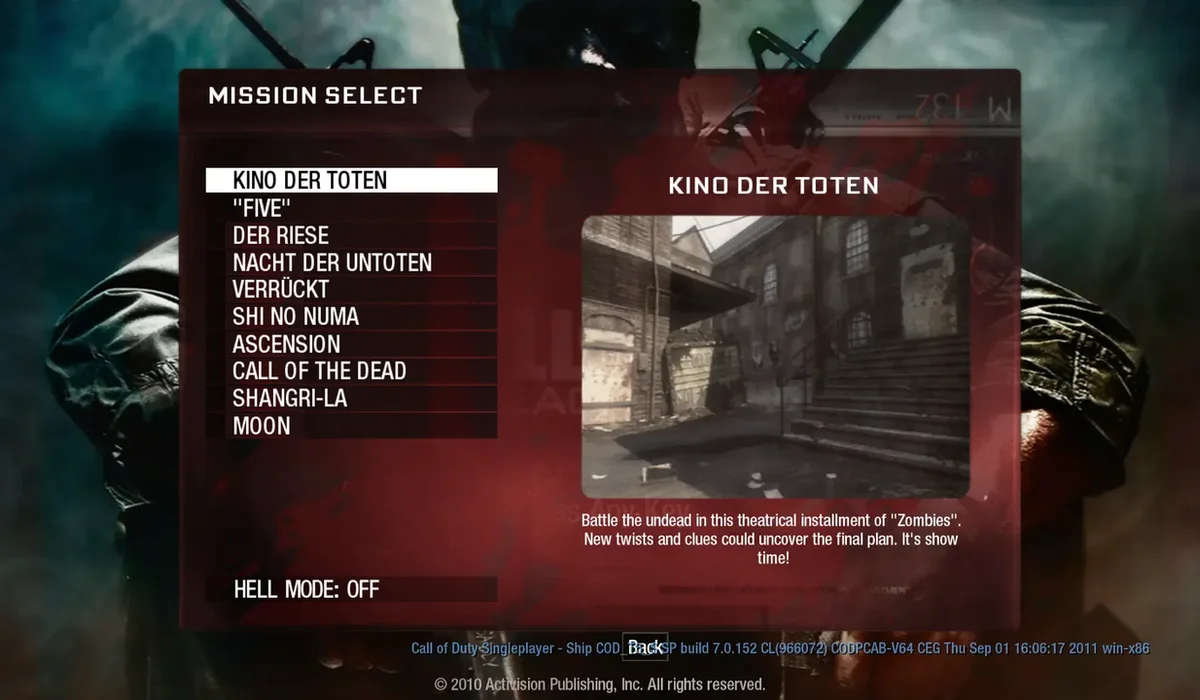
Black Ops Zombies
Map-selection project
Game files needed
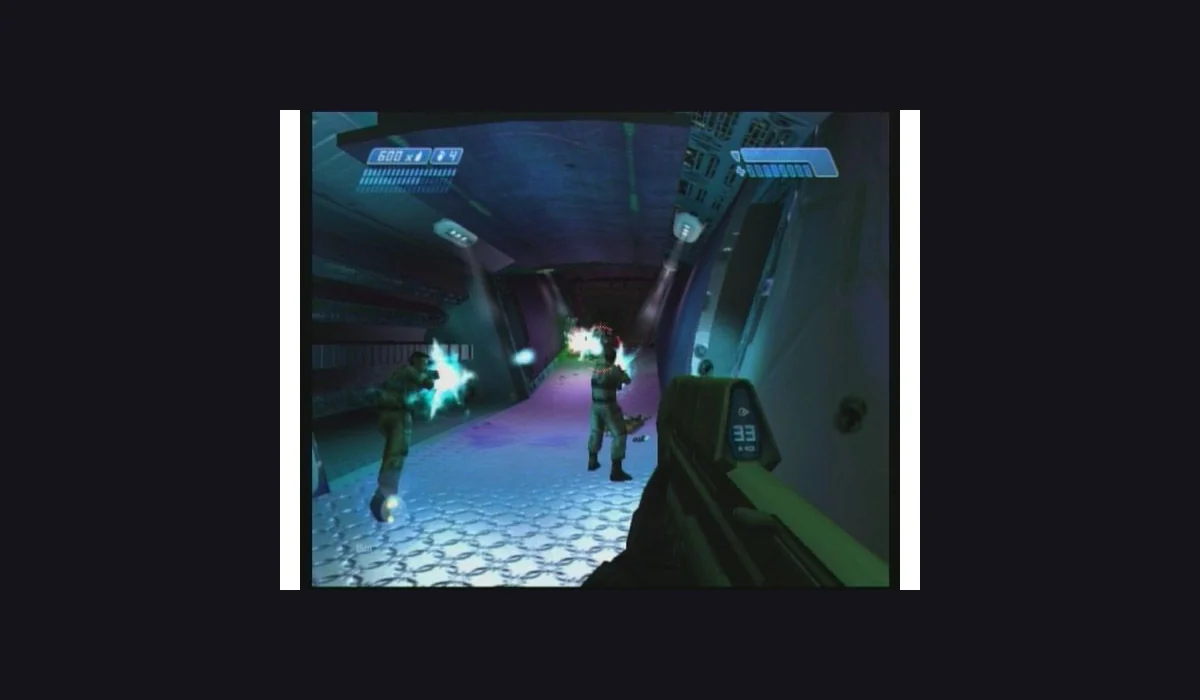
Halo CE Mobile
Own ISO / XISO required
Game files needed
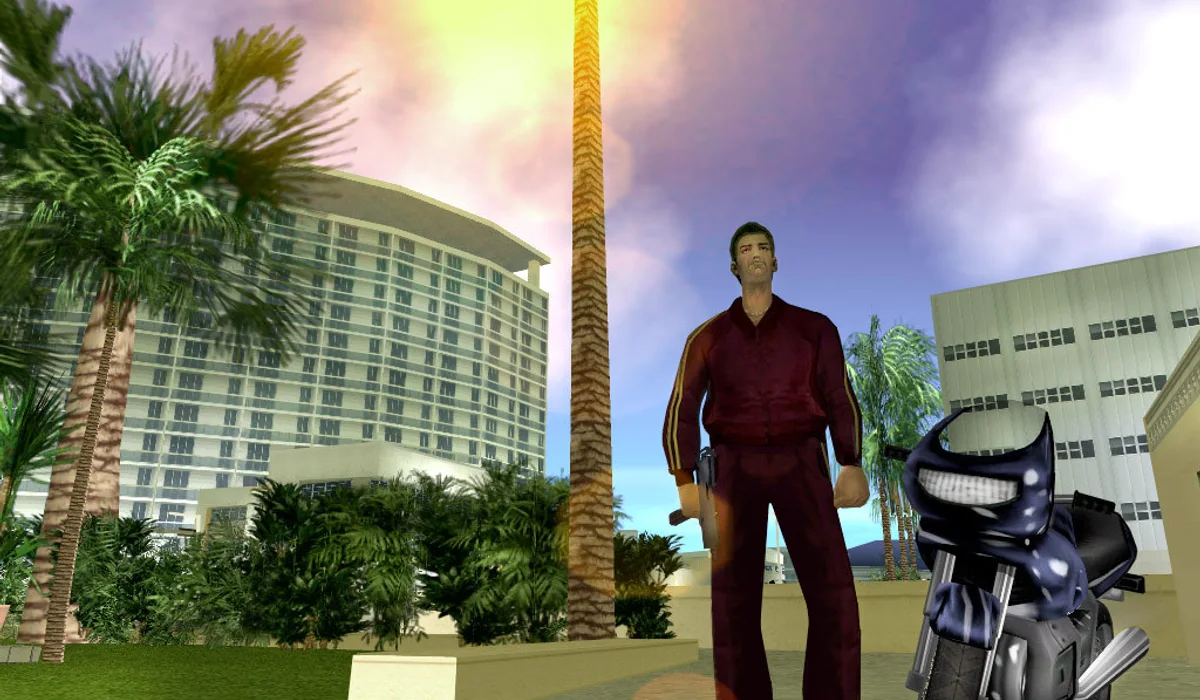
GTA: Vice City
Own game.tar.gz required
External projects set their own launch requirements. For the complete source record, visit the 25-link RadiantGames directory.
BEFORE YOU PRESS PLAY
What to expect from Radiant Optimizer Games
A browser launcher is a starting point
Searching for Radiant Optimizer Games often starts with a simple aim: play the games seen in the viral browser-game list. The next step depends on the project. A live arena, a free demo and a full-game import are different routes, even when they share a familiar game name. This launchpad makes the route visible before you open the player.
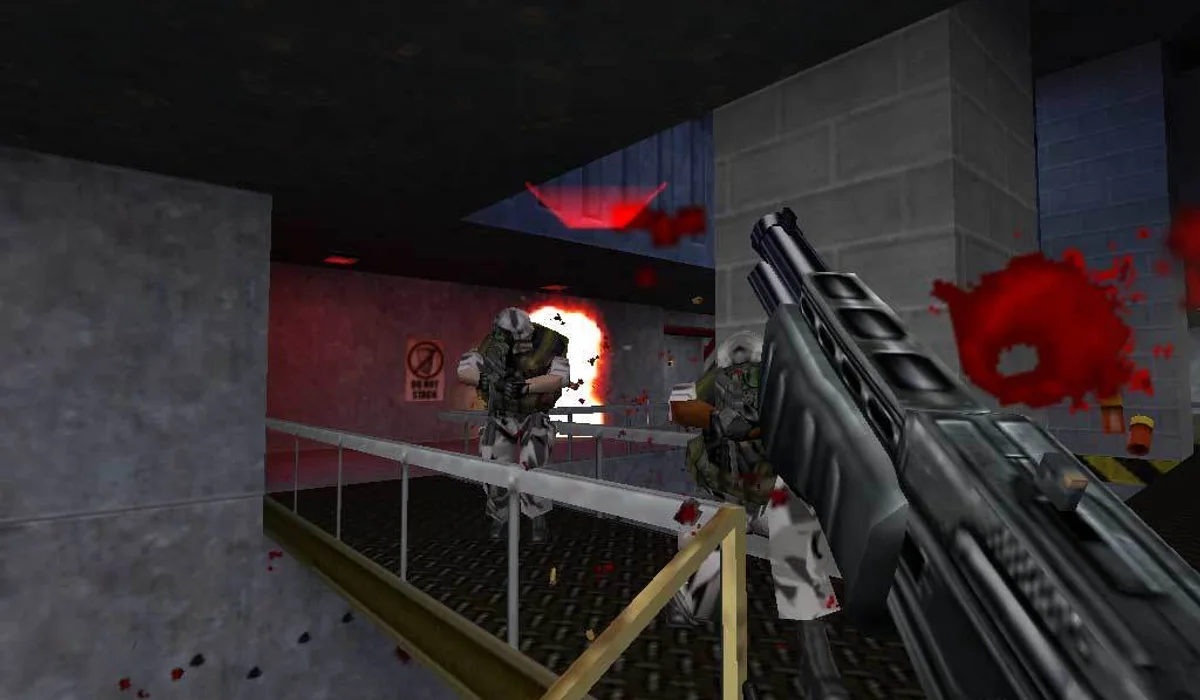
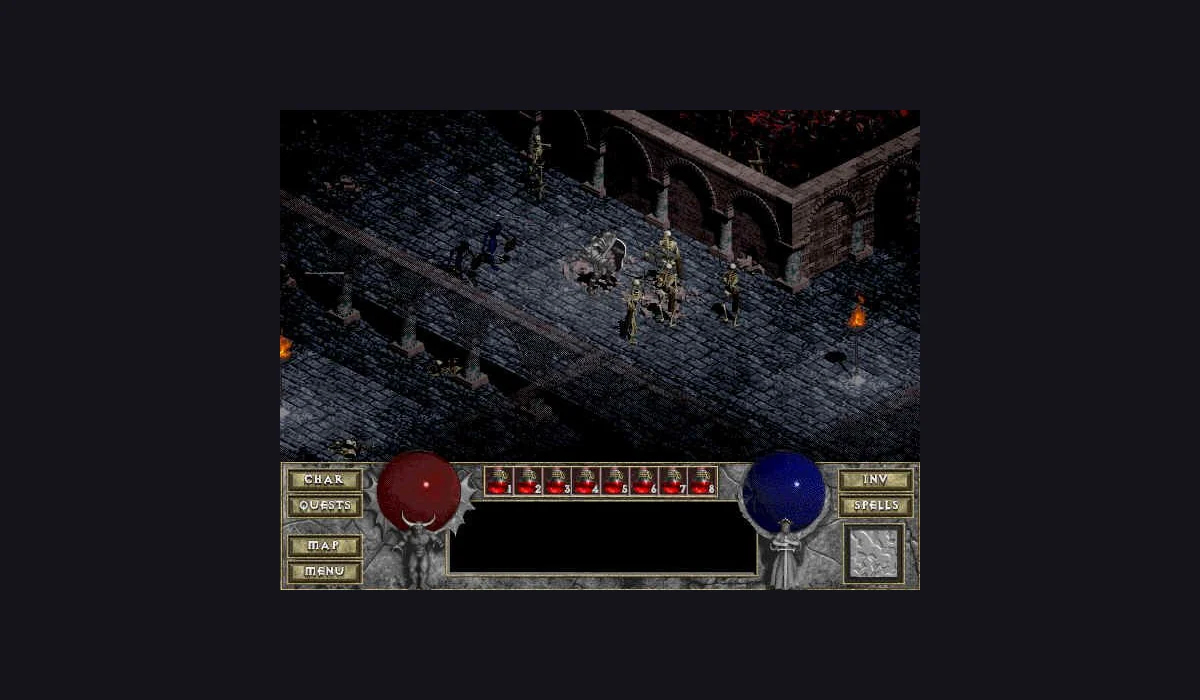
The QuakeWorld page focuses on joining a multiplayer arena. Half-Life uses the WebXash Uplink demo selection, followed by its game menu. Diablo uses DiabloWeb’s shareware button and single-player hero creation. Those are specific experiences; they do not turn the original list into a promise that every full commercial game is available free.
Keep the instructions within reach
Each player has a short sequence beside it, input notes and an original-project link. Under the game window, you will find version-specific advice about loading, controls and storage. If a game cannot run in the embedded context, its original tab is a useful comparison. The browser game launch guide helps you narrow down a blank screen, an unfinished download or a keyboard-focus problem.
Make return visits easier
The local shelf lets you bookmark a launcher without registering. Recent launches help you return to a page you used before. Both features belong to this browser profile; neither is a cloud account, a saved character nor a backup of an embedded game. Game files and progress remain under the original project’s control.
Use the right device for the session
A desktop or laptop with a keyboard and mouse is the recommended starting point for these three players. A responsive page on a phone does not mean the game inside it has touch support. Start with the input method the project documents, let its initial load finish and check its current instructions if anything differs from the notes here.
QUICK ANSWERS
A few things before you launch.
Is RadiantGames the original Radiant Optimizer website?
No. This is an independent play-focused app inspired by the publicly linked Twitter/X projects. The original post and project websites are linked directly.
Do the three players contain the complete games?
They have different scopes: QuakeWorld is an arena project, Half-Life is the Uplink demo, and Diablo is shareware. Full-game file imports are separate project features.
Do I need to register to save a launcher?
No. Saved launchers and recent history are stored locally in this browser when storage is available. They do not transfer to another device.
What should I try if the game will not start?
Check the steps beside the player, allow the first load to finish, click inside the game and compare with its original project in a separate tab. The launch guide covers these checks in detail.